Choose your problem
Your next checks
Go straight to a guide
If none of the steps match
Keep the save and write down the exact quest, item, workstation, and on-screen requirement. On PC, preserve Player.log before launching the game again. Do not delete the save or repeat a costly craft just to test an unsupported theory.
Verification notes
- Official Steam Demo page — content endpoint and save statement.
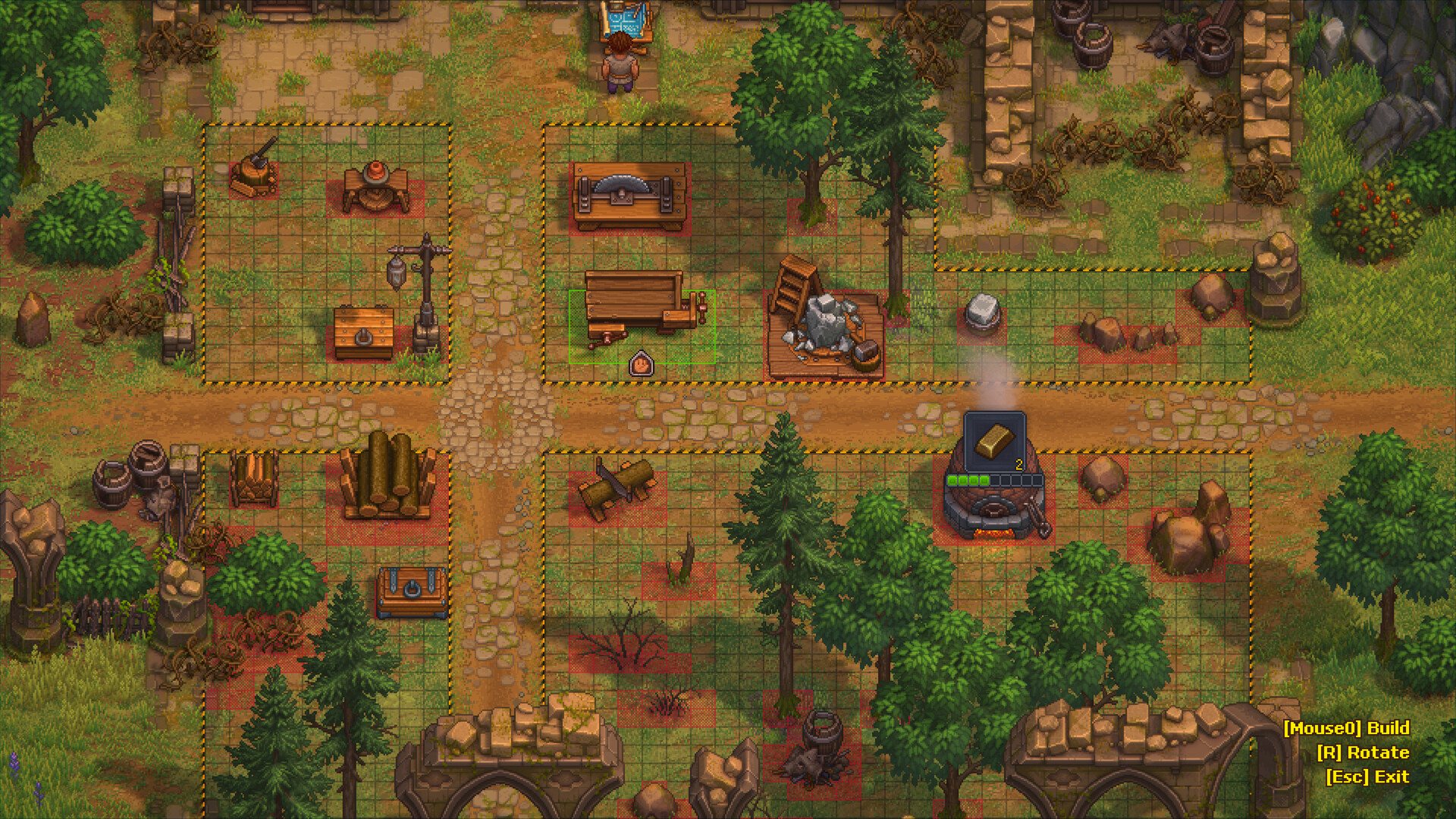
- Official game page — developer building screenshot.
- Publisher known-issues list — console tearing and the 1.007 fix group; partial-stack chest loss remains listed for Switch 1 and 2 while that patch is pending (checked October 8). The earlier Nintendo transfer warning is no longer listed as of September 29; removal alone does not prove a fix. Older Demo crafting and worker notes are not confirmed for the released build.
Detailed sources and platform limits for fishing, workers and performance are on the linked guides.