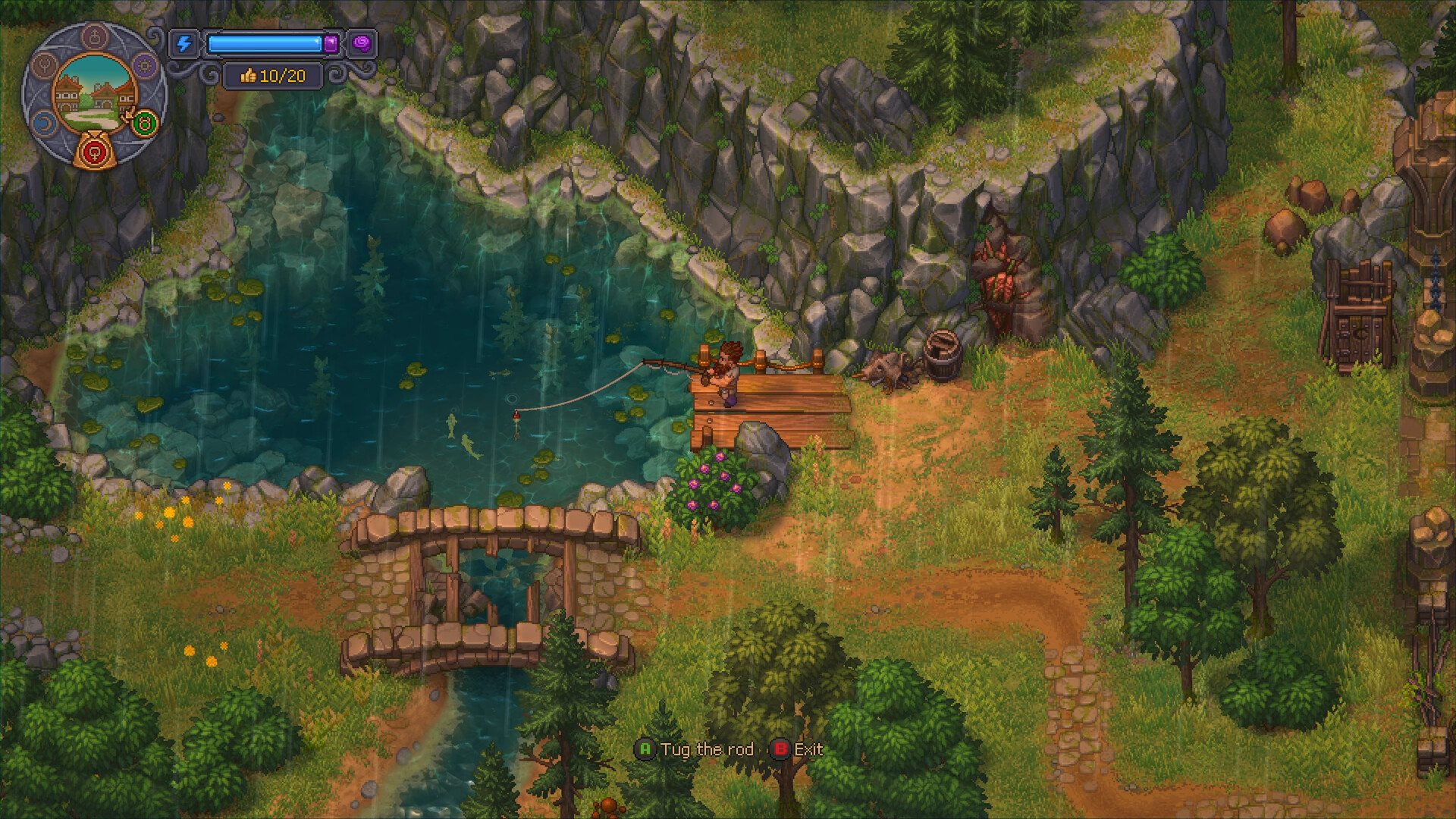
If the rod seems unresponsive, check the equipment and spot first, then follow the prompt shown by your platform. Exact bait, mastery, timing, and button mappings still need a build-specific check.
The official capture shows the fishing spot, bobber, fish, and the prompts “A Tug the rod” and “B Exit”. It does not establish every platform control or timing rule.
Fishing checklist
Put the fishing rod in the active hotbar before attempting to cast.
Move to a valid fishing spot or pier; a normal shoreline is not proof that the spot is active.
Watch for the bobber and follow the prompt shown by the current platform. The official capture uses “A Tug the rod” and “B Exit”.
If no prompt appears, re-check the rod, spot, and current quest/mastery state before assuming the save is blocked.
What is not confirmed yet
Exact bait inventory and mastery gates are not fully UI-verified in this evidence set.
Pull/release timing and red-zone behavior should not be generalized from a single screenshot.
Controller labels differ by platform; use the prompt on your own build.