Start at a Milestone, not a Teleportstone
The developer’s “Old World — New Story” announcement explains that Milestones replace the original game’s Teleportstone. You travel between locations you have unlocked; owning an item from the first game is not the route to opening this network.
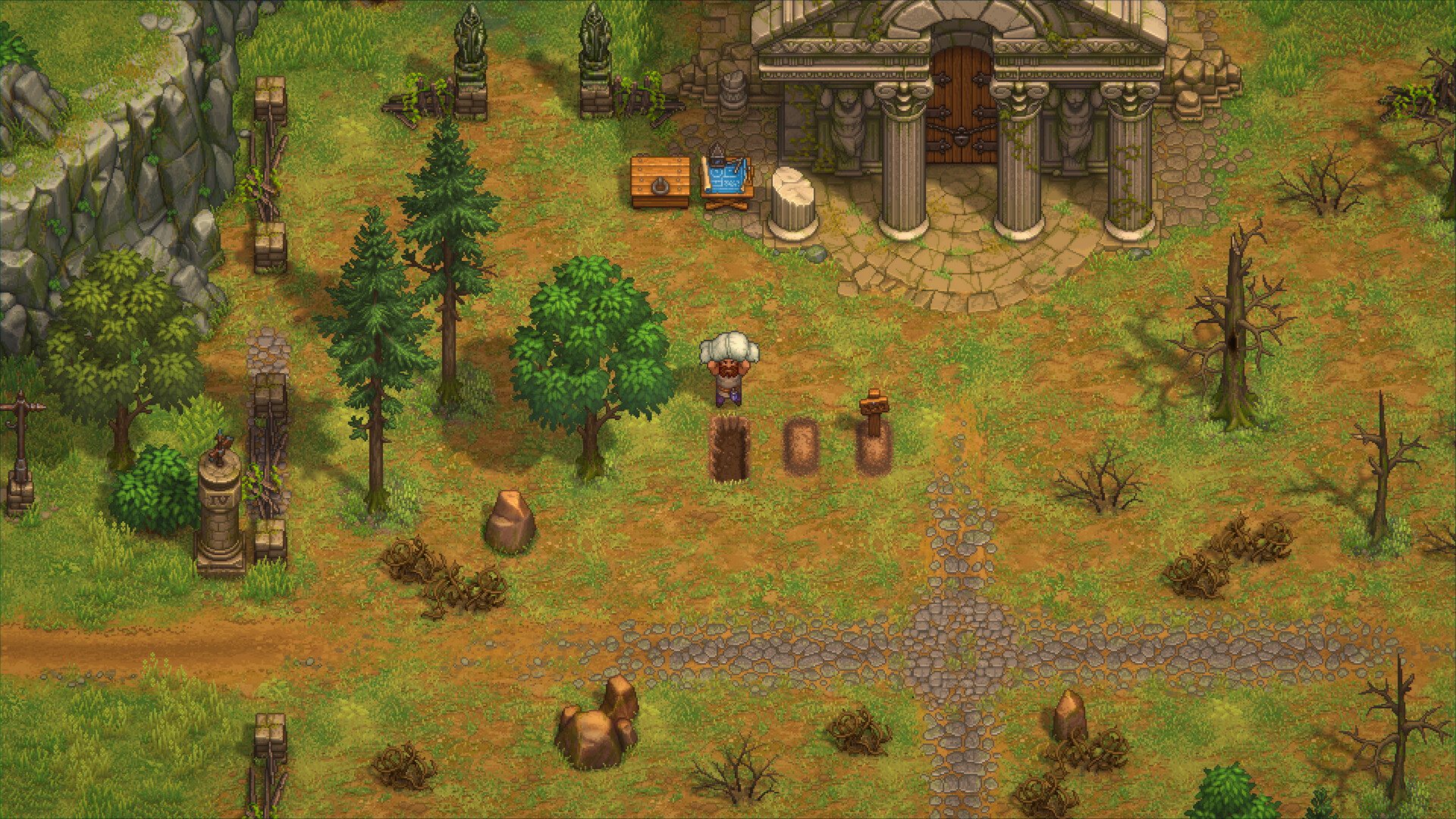
Activate a post and take a trip
- Walk to the numbered post and interact with it. For an inactive post, inspect the Activate Milestone option and the Faith cost it displays.
- Carry the required Faith in your backpack before activating. Faith left in storage is not a substitute at the post.
- Once activated, use the post’s travel interface and choose another unlocked destination. To travel back, use an active post again.
Those interface checks follow the independent Milestones analysis for Demo build 739448200032943577. It also distinguishes the character-menu map from the travel interface: opening that map alone does not start a trip.
Do you pay Faith every time?
No, according to Demo player reports: activation unlocks repeated travel. In a discussion about the apparent travel fee, ThunderheadStudio corrects the assumption that every journey costs Faith: the payment is for unlocking the post.
A separate Demo tips discussion identifies the small numbered posts and reports early activation prices of 1–2 Faith; Popular-Student-9407 specifically reports 2 for the village. Check the price shown at your post rather than assuming every later destination costs the same.
If travel is unavailable
- Not enough Faith: check the displayed price and your backpack, not just your total across chests.
- A destination cannot be selected: check whether that destination has been activated. Seeing an area on a map is not the same as unlocking its post.
- The map does nothing: return to the post and use its interaction rather than the character-menu map.
- Trying to reach later story content: fast travel does not establish access beyond the Demo’s Town-introduction endpoint.
This is an activation and troubleshooting guide, not a complete full-release map. Exact coordinates, every later price and controller-button mappings are not established here. Follow the interaction prompt in your installed build.