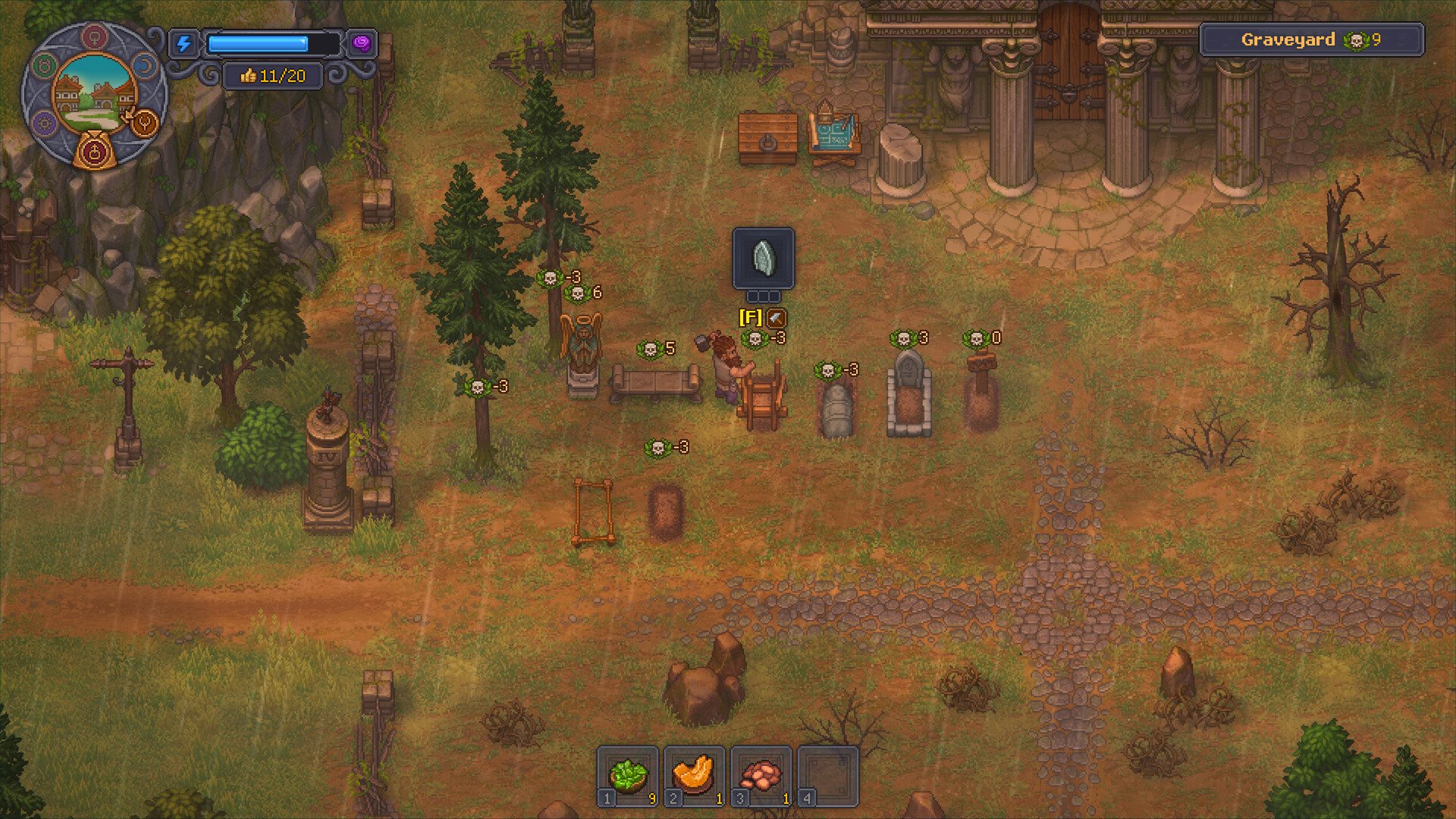
How to read the result: the calculator adds the visible +6, +5, +3, and +0 markers and subtracts visible -3 markers. It does not model hidden skull caps, fences, corpse quality, recipes, or future patches.
Estimate the visible markers
Visible layout markers
0
Estimated visible score
Positive markers+0
Negative markers-0
Net marker total+0
Target progressCalculating...
Your comparison
Adjust the markers to compare a layout.
Worked example
If your layout shows two +3 markers and one -3 marker, enter 2 in “+3 markers” and 1 in a negative-marker field. The calculator reports +6 positive, -3 negative, and a net visible score of +3. With a target of 9, the result shows that the visible markers are 6 points below that target.
A +0 marker does not change the total. You can still count it to keep a record of the visible layout without treating it as a score increase.
Known limits
- Use the number shown over each object in your game. Count each object once, even if it could fit more than one negative-marker category.
- Do not use this result to infer corpse quality, fence caps, white-skull caps, crafting costs, or milestone thresholds.
- If your game displays a value other than +6, +5, +3, 0 or -3, this calculator cannot include it.
Verification notes
- Official Graveyard Keeper 2 Steam store page — source for the developer-released in-game capture used here.
- Official Graveyard Keeper 2 Demo store page — Demo scope and release context.